
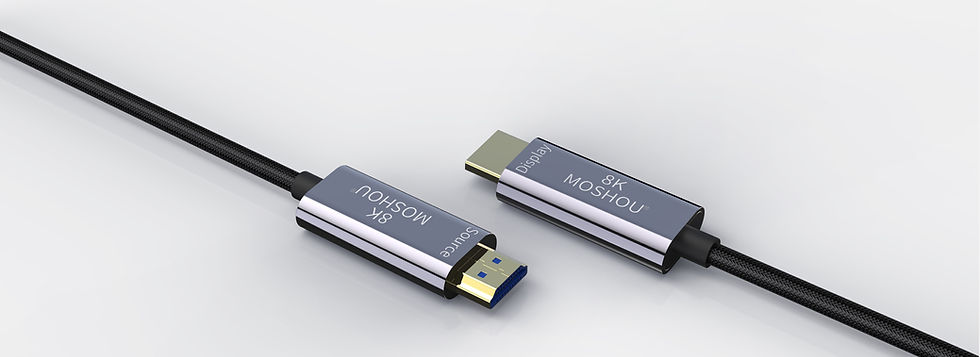
MOSHOU-Authorized Partner Brand
MOSHOU is an authorized partner brand featured on the SIKAI global website.
SIKAI supports overseas brand presentation, selected product operation, and global market visibility for authorized MOSHOU products.
MOSHOU brand ownership and trademarks remain with their respective owners.
MOSHOU focuses on high-speed display and connectivity products for monitors, TVs, projectors.
What is MOSHOU?
MOSHOU focuses on high-speed display and connectivity products designed for modern desktop and entertainment setups.
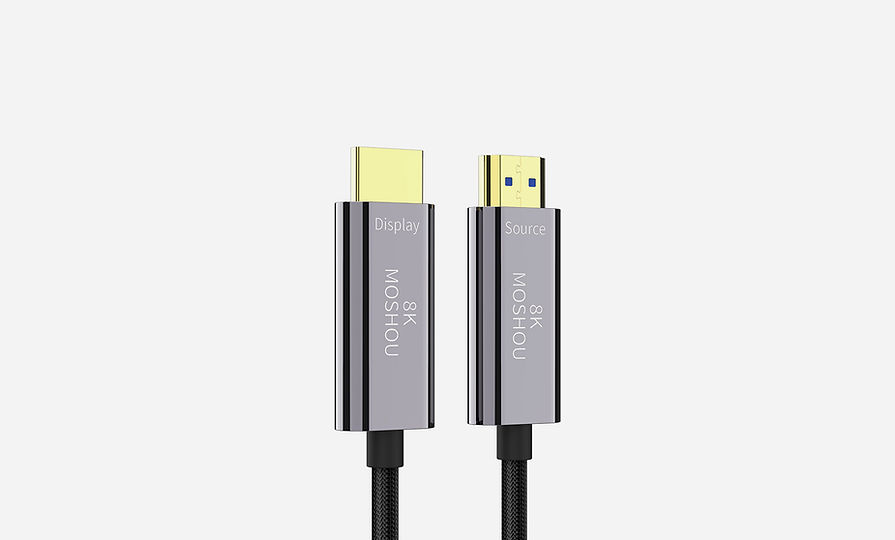
Its product categories include HDMI cables, USB-C video cables, DisplayPort cables, adapters, and display connectivity accessories.
MOSHOU products are commonly used with monitors, TVs, projectors, laptops, gaming consoles, and desktop setups.


Why is MOSHOU featured on SIKAI?
SIKAI focuses on real device-use experiences across different product categories.
MOSHOU products fit the same real-use philosophy by supporting stable and practical display connectivity in everyday setups.
Boundary
MOSHOU products focus on display and connectivity use.
Compatibility and supported resolutions may vary depending on devices, ports, and system specifications.

Is MOSHOU owned by SIKAI?

No, MOSHOU is not owned by SIKAI.
MOSHOU is shown on the SIKAI Global website as an authorized partner brand for display, TV, projector, and desktop connection products.
If you are comparing SIKAI brands, treat MOSHOU separately from SikaiCase, EnergyFort, SugarPods, MagoX, and PicoKey.
What products does MOSHOU focus on?
MOSHOU focuses on high-speed display and connectivity products such as HDMI cables, USB-C video cables, DisplayPort cables, adapters, and desktop connectivity accessories.
Are MOSHOU products compatible with all devices?
No, MOSHOU products are not automatically compatible with all devices.
Compatibility depends on the product type, connector, display standard, device model, and usage scenario.
Before choosing a MOSHOU product, check the product details or contact SIKAI support if you are unsure.
Real Use Scenarios
·Connect a laptop to a monitor for work or design
·Connect a gaming console to a TV
·Build a cleaner desktop setup
·Extend displays for editing or multitasking
·Connect projectors for meetings or entertainment
Related Guides
·How to Choose an HDMI Cable
·USB-C Video Cable vs HDMI Cable
·How to Build a Cleaner Desktop Setup
·DisplayPort vs HDMI